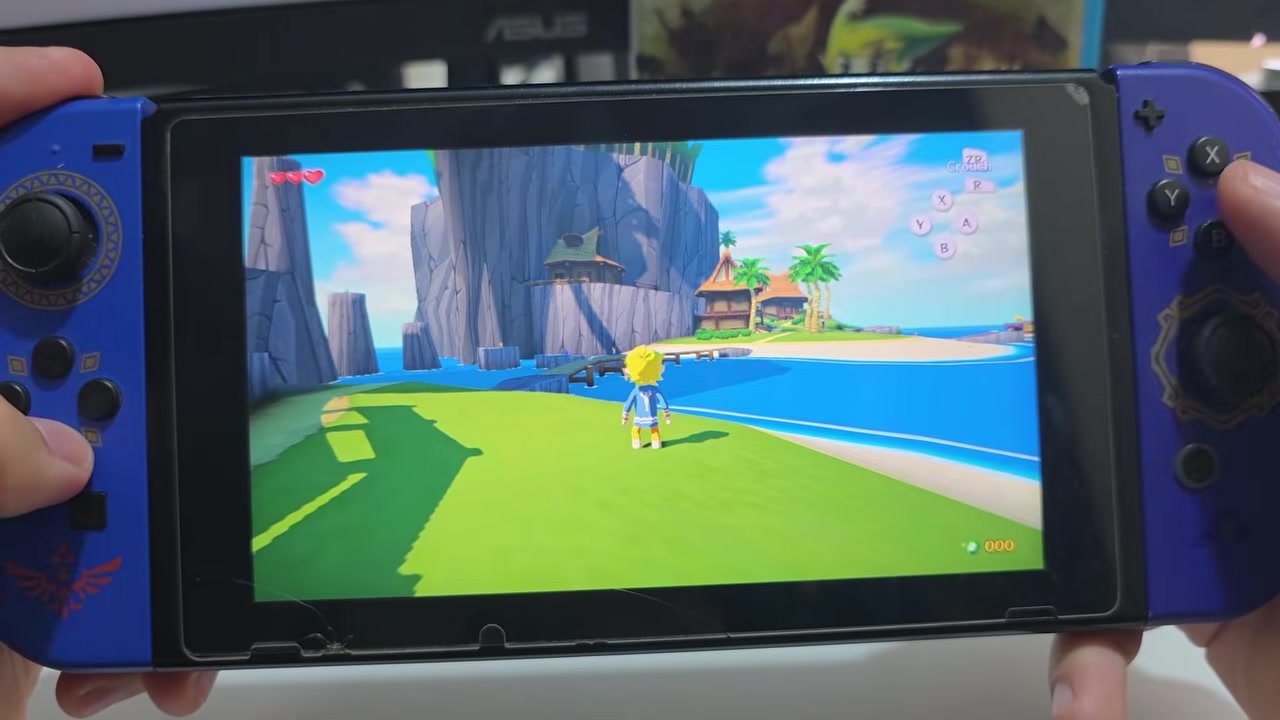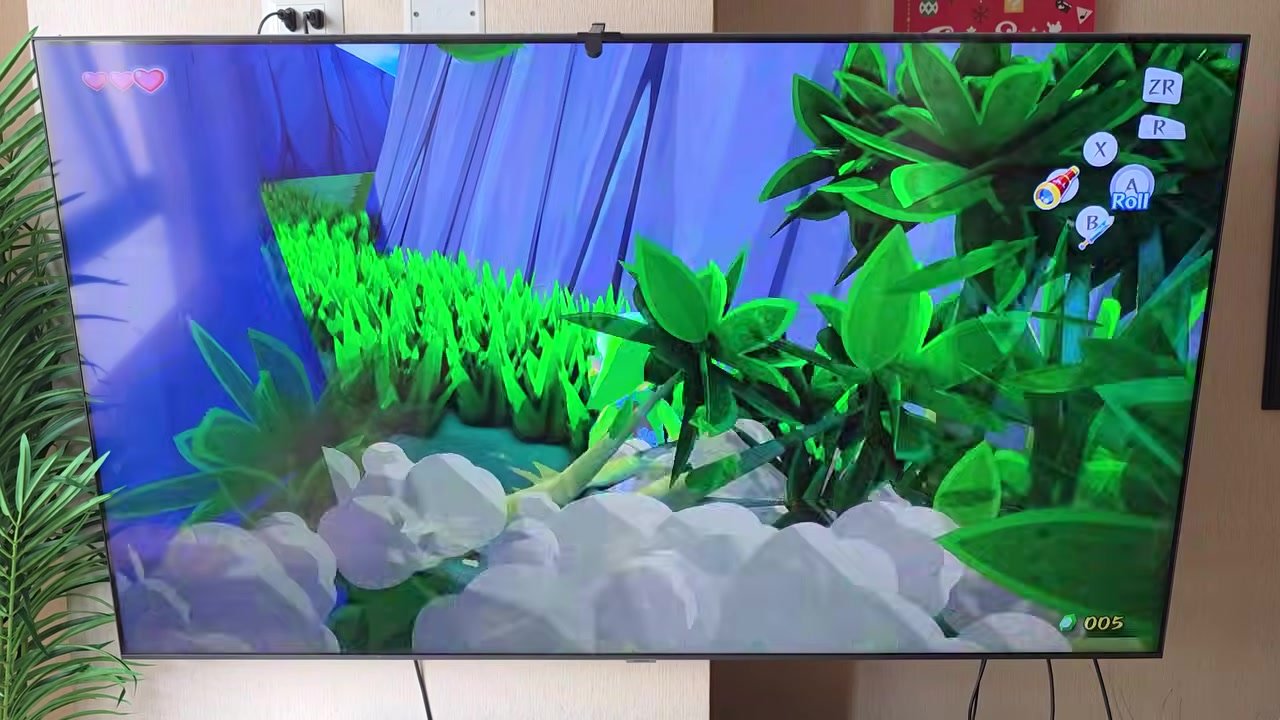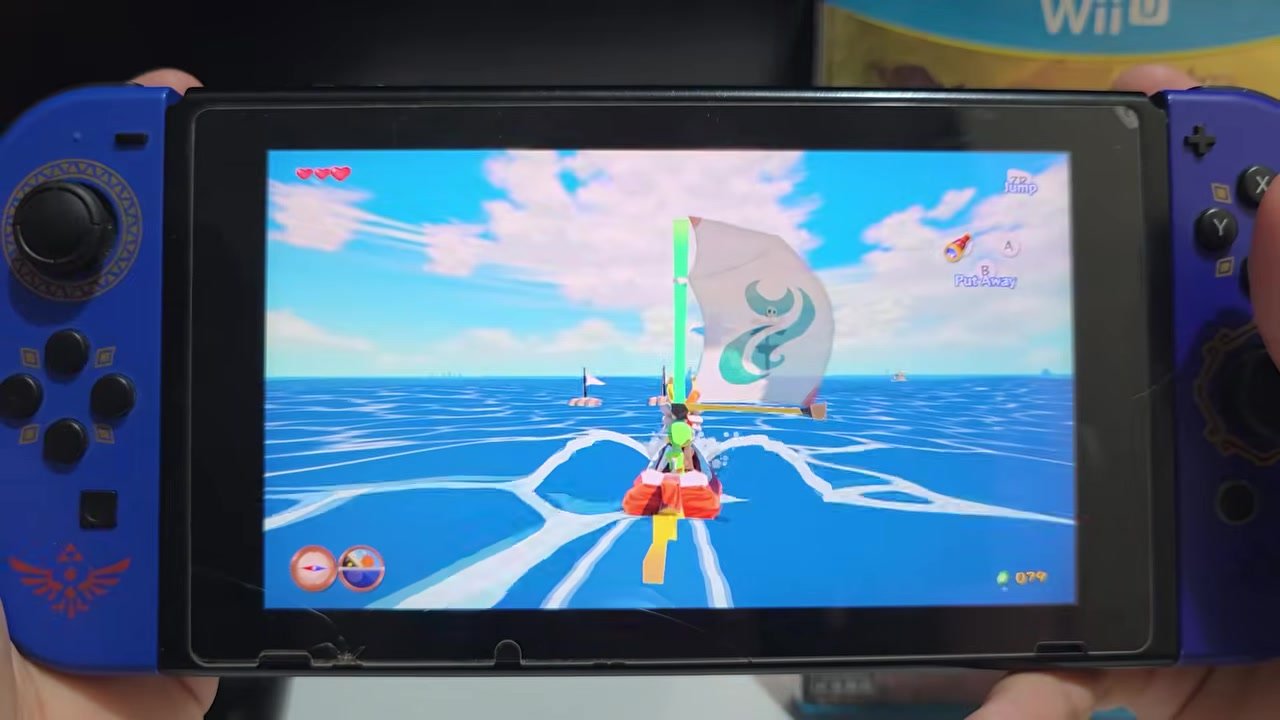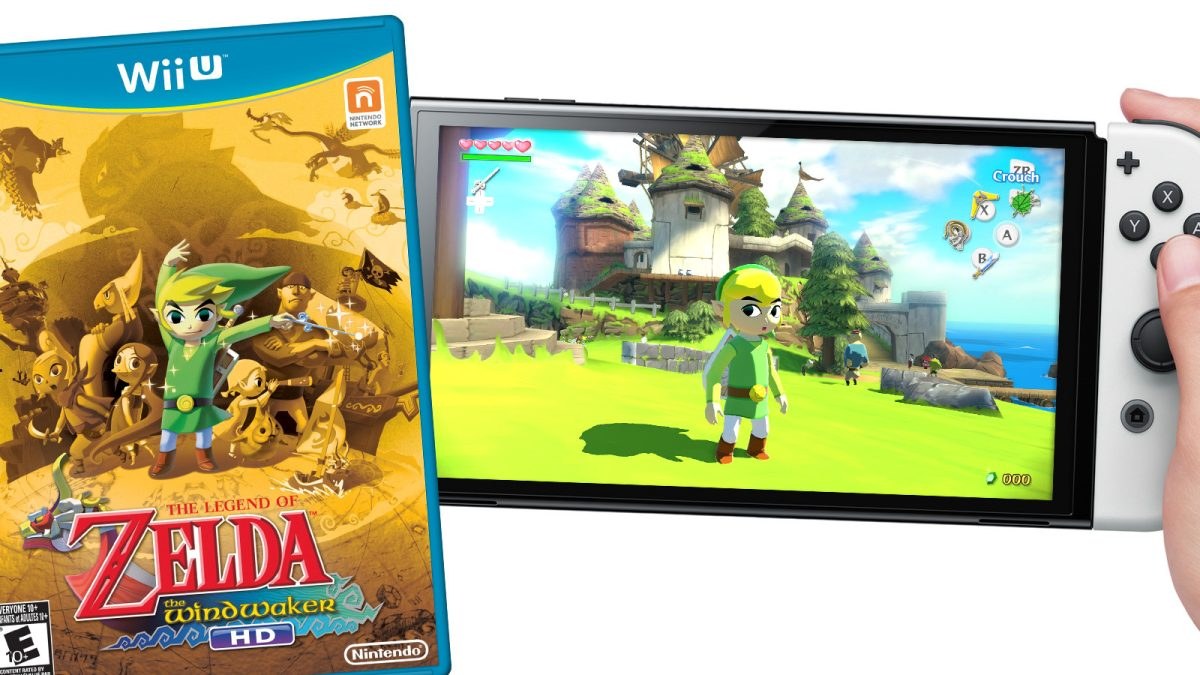
The Legend of Zelda: The Wind Waker HD (Wii U, 2013) runs natively on Switch. SwitchWakerHD is a fork of ZeldaWWHDRecomp. The game’s PowerPC code is statically recompiled to C ahead of time, the Wii U system libraries are rewritten, and graphics are drawn by deko3d, the Switch’s native graphics API. There is no CPU or GPU emulation. The port is being developed by Pulpparty and depende3000. The README states plainly that almost all the Switch code was written by the AI agent Claude Code, while humans decided what to do and checked the result.
The first version came out on 7 October, and the newest, v0.4.2, on 10 October. According to the authors, the game is quite comfortably playable at stock clocks: 30 FPS on the starting island and 26–29 FPS in the busiest areas. A steady 30 FPS comes with a light overclock to 1224 MHz, which is marked as recommended in the menu. Sound, saves and mods work.
What you need to run it: a Switch with Atmosphère custom firmware and the Homebrew Menu. There are no ready-made Switch files: each build contains recompiled game code, so you build it yourself from your own dump. You need version 0 of the US or European game, dumped from your own Wii U. The build is made by a single script, make_sd.py, from the release; step-by-step instructions are in INSTALL.md. The result is copied to the SD card and launched by holding R. The authors ask people not to share built files.
Download and details: https://github.com/centollOS/SwitchWakerHD
Overclock: Not required · Average FPS: 26–30
About the game
The Legend of Zelda: The Wind Waker HD is a Nintendo EAD remaster released in 2013 on Wii U. The original The Wind Waker came out on GameCube in 2002. Link sets out to rescue his kidnapped sister and sails the Great Sea in the talking boat King of Red Lions, controlling the wind with a conductor’s baton.
The cartoonish cel-shaded graphics were once controversial and are now considered among the most timeless in the series. The HD version added new lighting, widescreen, the Swift Sail and an inventory on the GamePad screen.
Screenshots